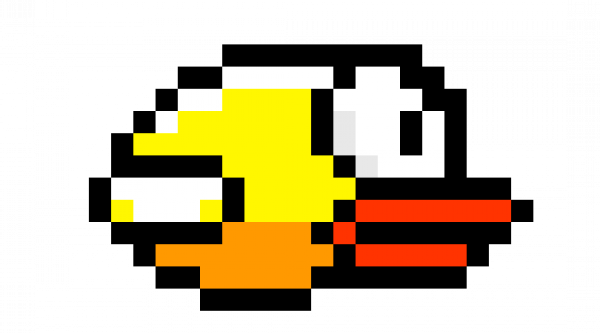
The results of our project are best evaluated through direct gameplay on the RP2040 and VGA setup. Many of the most important performance features like responsiveness, smoothness, and usability are inherently qualitative and are immediately apparent when playing the game. Overall, the game behaves as intended: player inputs feel responsive, animation remains stable at a fixed frame rate, collisions and scoring are consistent, and audio feedback is immediate and correct.
In terms of execution speed and interactivity, the game maintains a fixed frame period 30 FPS. During game play, weobserved no noticeable hesitation or stalling. Pipe movements, bird physics, collision detection, and scoring all occur smoothly, even while background audio playback and sound effects playback are happening concurrently.
Concurrency is handled explicitly in the design. Animations and game physics execute on core 0, while gameplay input (arcade button, microphone ADC sampling, and IMU tilt detection) runs on core 1. This separation prevents sensor reads or button polling from blocking animation. Audio playback is handled separately from the main game code. Background music is generated at a fixed 50 kHz sample rate using a timer interrupt, and sound effects are sent to the DAC via DMA. As a result, simultaneous events such as flapping, scoring, and collisions do not interfere with visual performance.
We checked timing and accuracy by watching and listening to the game while it was running. The VGA display was stable, with no visible screen tearing or syncing issues. The bird’s motion behaved consistently from frame to frame, and the background music played at steady, correct pitches. Sound effects also played at the right times and sounded consistent each time they were triggered
From a usability perspective, the game is intuitive for both developers and new users. The start screen clearly displays the selected control mode and allows users to cycle between button, microphone, and IMU inputs without restarting the system. The game over screen shows the final score, high score, and a message to click the button to play again. The visual feedback such as the rotating bird sprite, scrolling pipes, and large score display makes gameplay easy to understand. Informal testing by teammates and peers showed that all three control modes were playable.
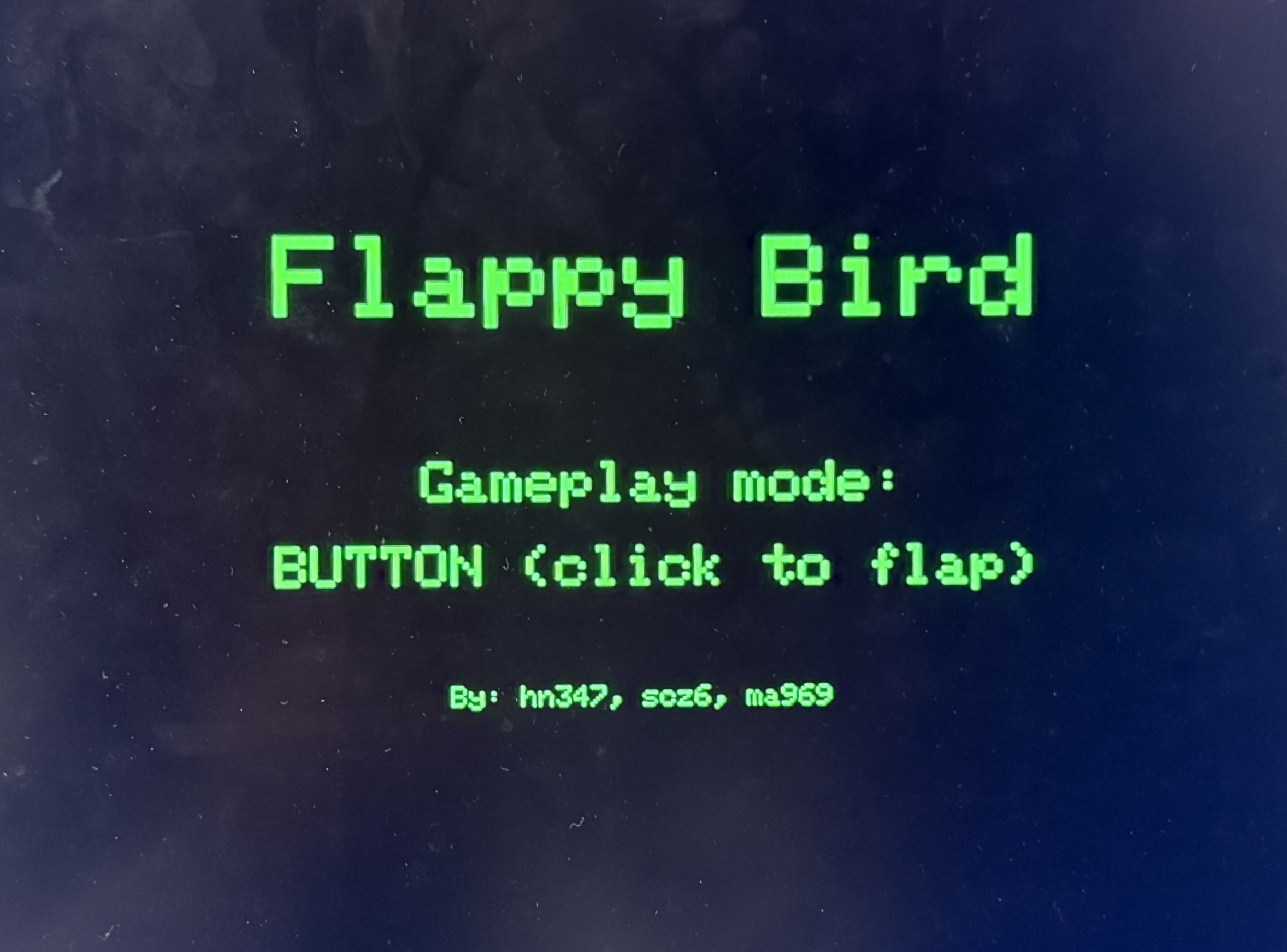
Start Screen
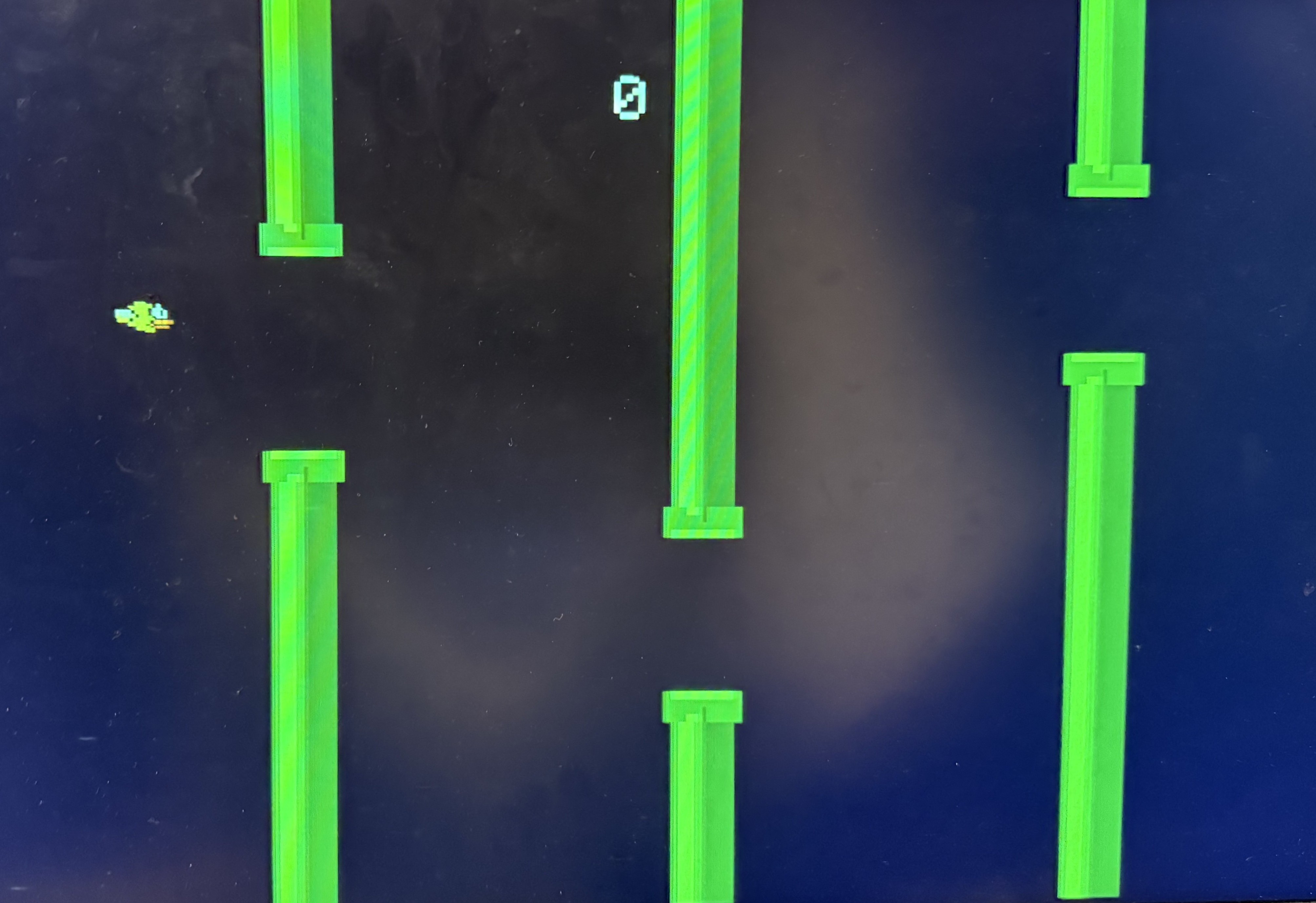
Gameplay
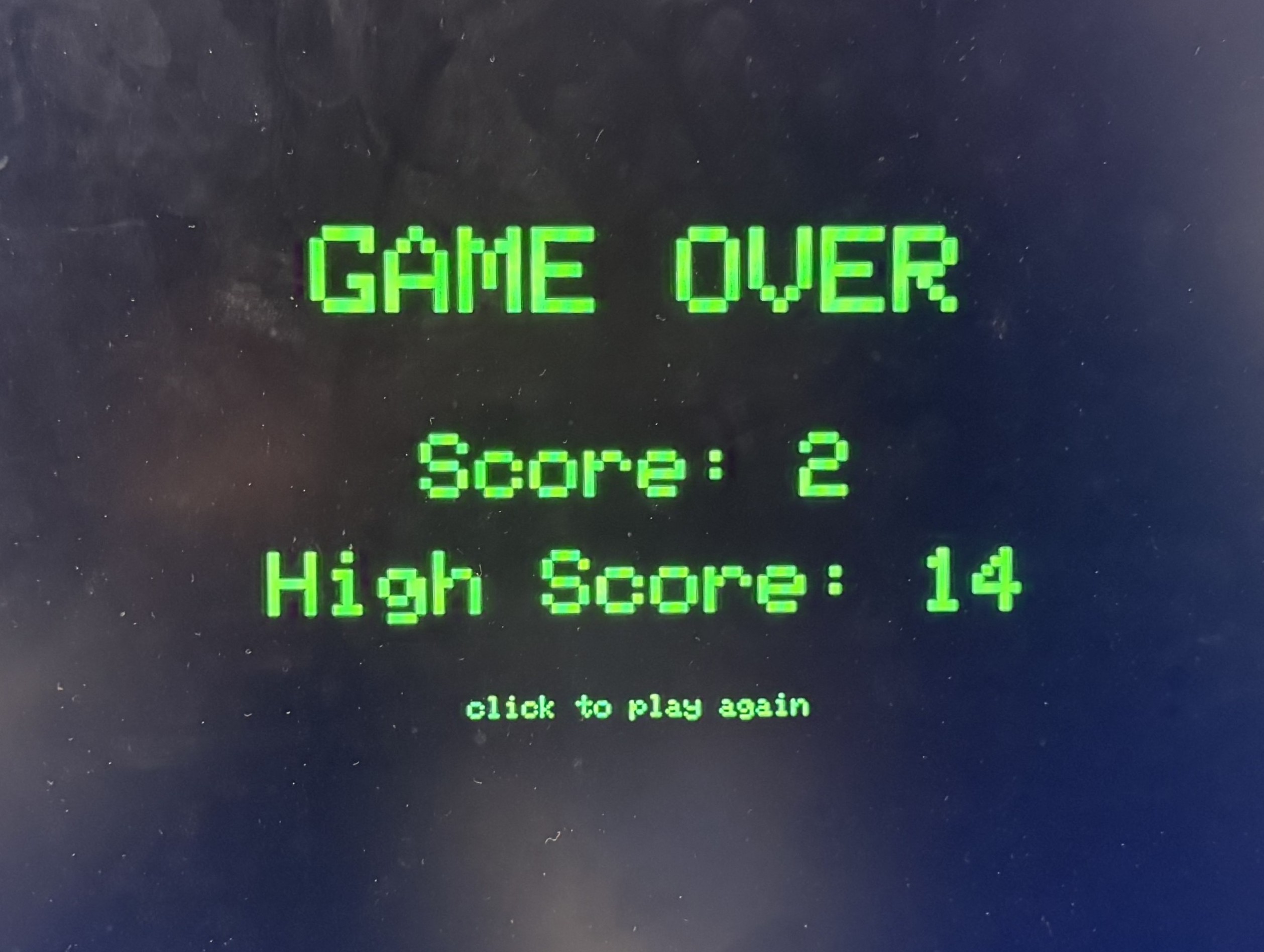
Game Over
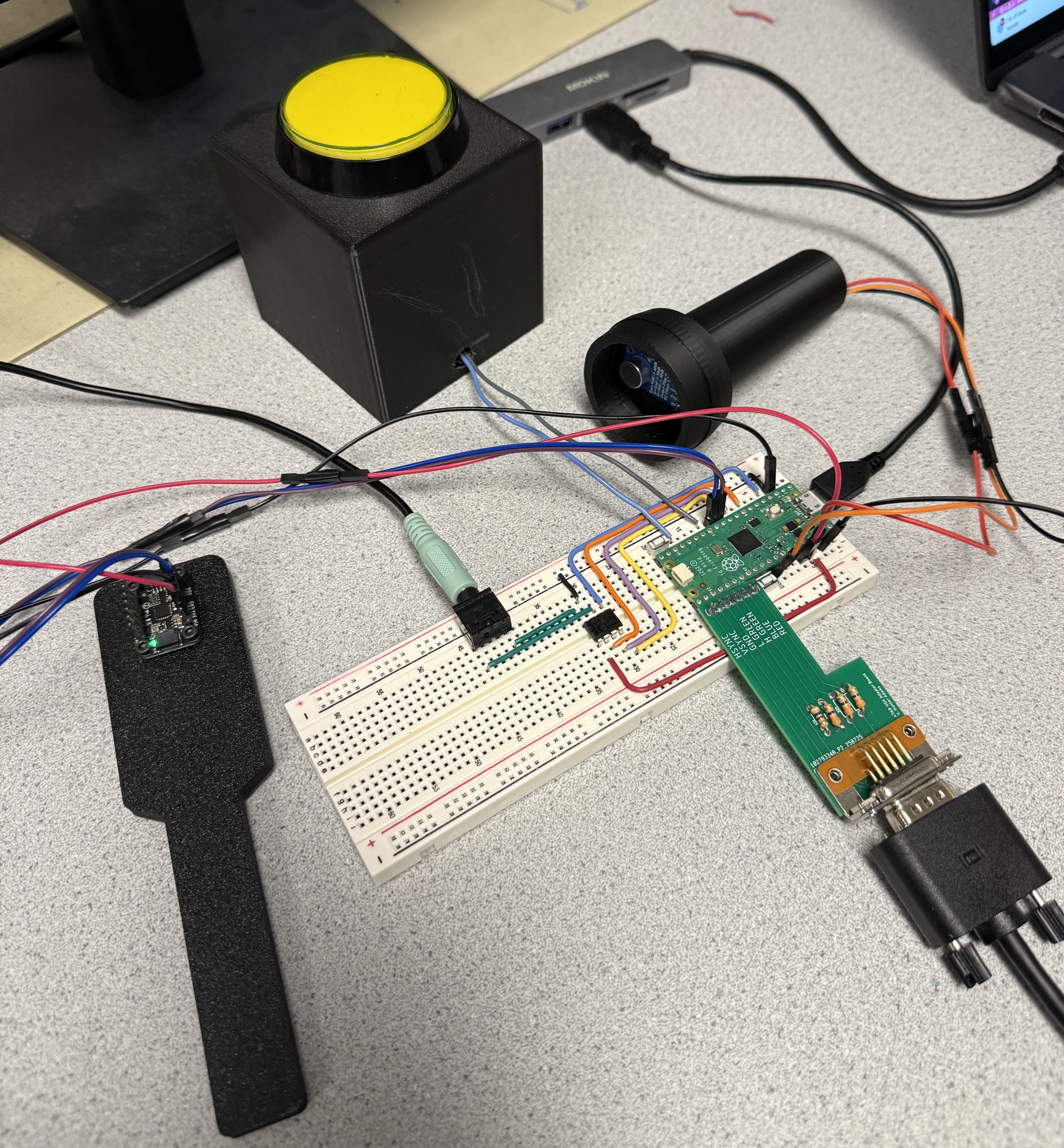
Game Setup