Results
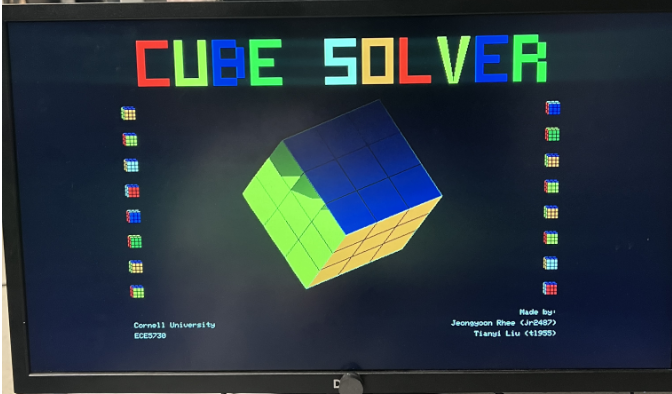
We visualized the real-time 3D cube, the color inputs for all six faces, and the final solving process on VGA. The system is interactive and responsive due to the dual-core split, though occasional flicker can occur due to asynchrony.
State 0: Live IMU-Tracked 3D Visualization
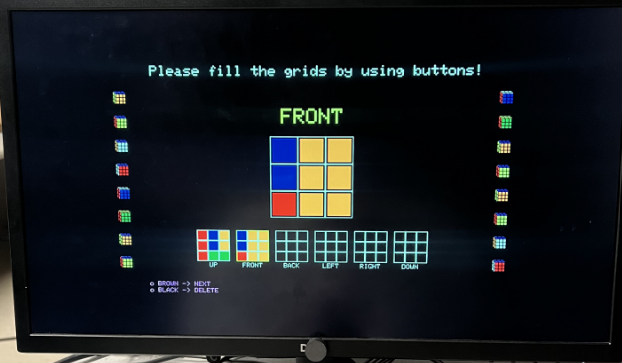
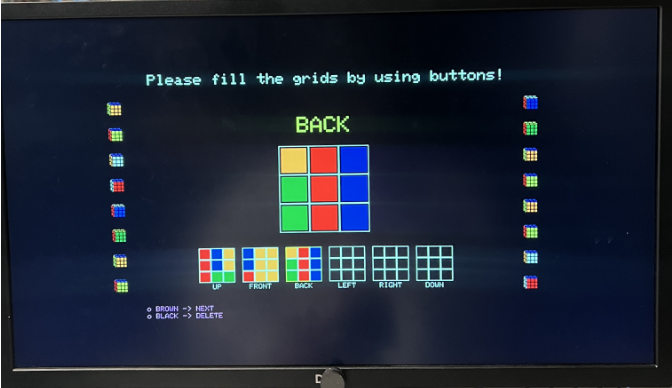
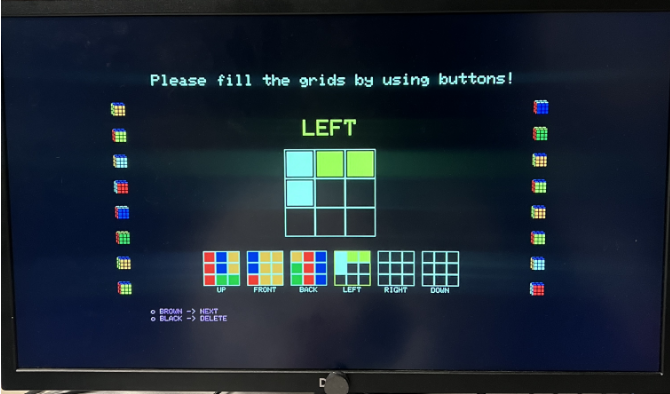
States 1–6: Face-by-Face Color Entry
The user enters one face at a time (UP, FRONT, BACK, LEFT, RIGHT, DOWN). The 3×3 grid is filled using color buttons, with a preview shown at the bottom to reduce input mistakes.

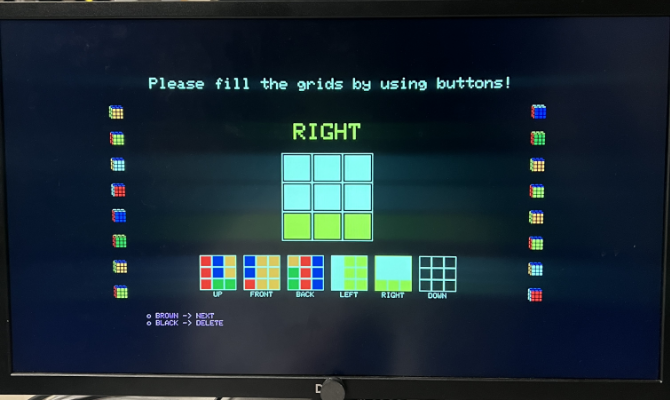
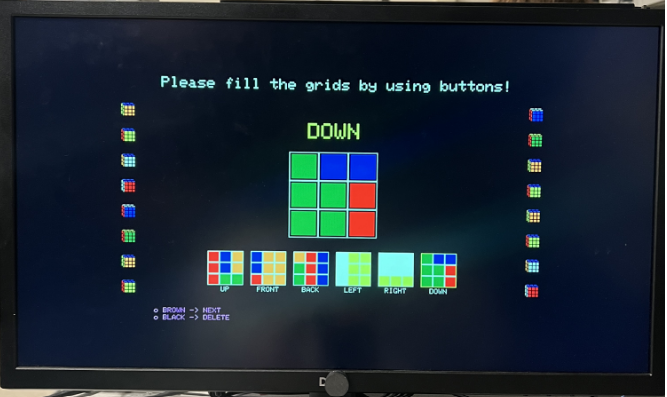
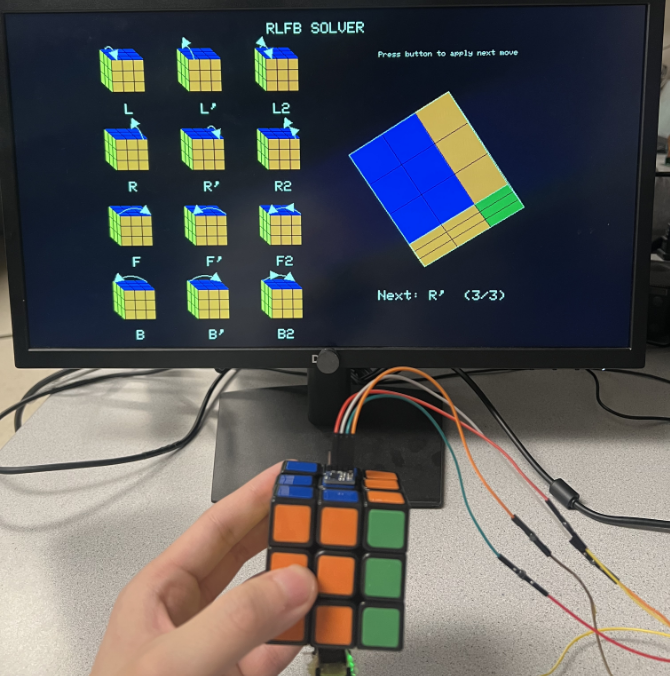
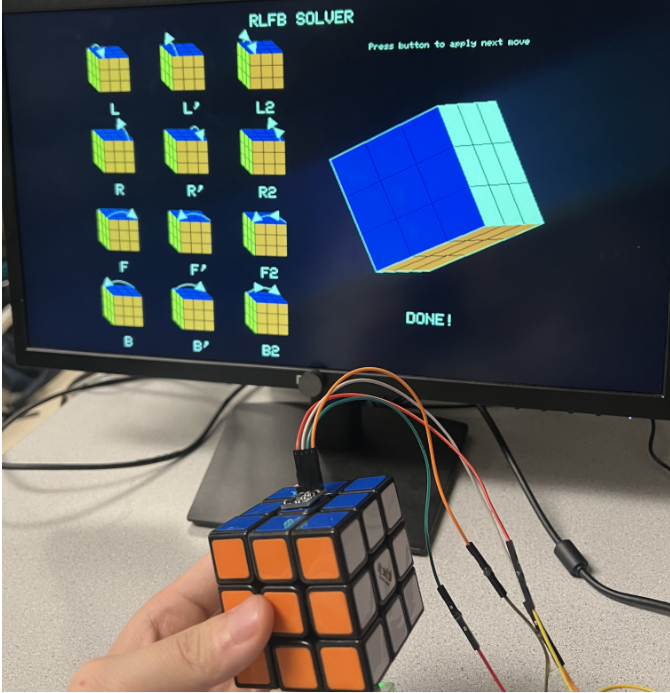
State 7: Solver Playback (Step-by-Step)
After all faces are entered, we compute a solution using IDDFS over a restricted move set, then display and apply moves one-by-one. Each press of NEXT applies exactly one move from the saved sequence.
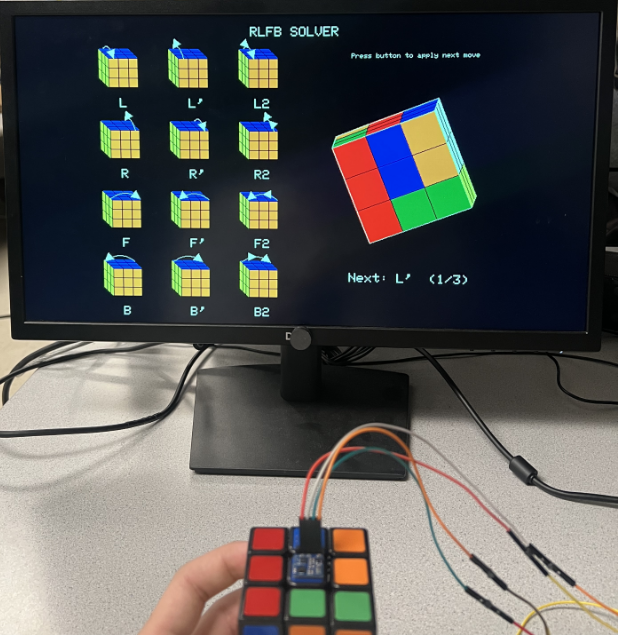
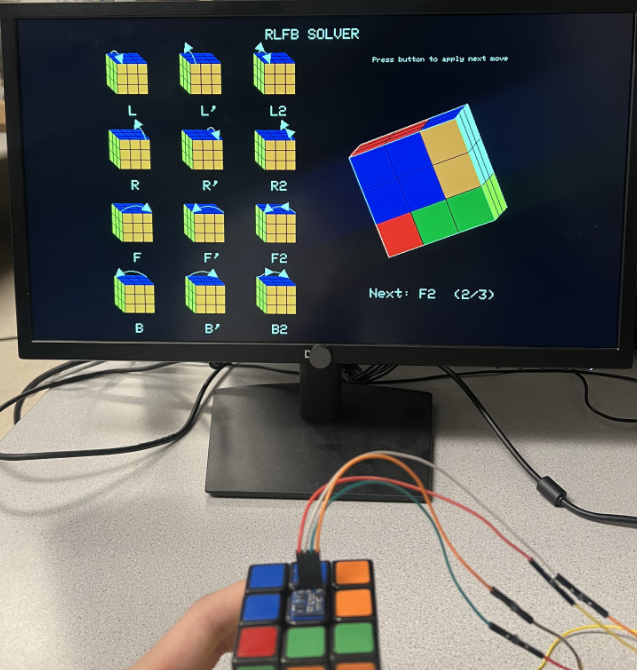
Notes
Execution is fast and interactive, and concurrency is strong due to the two-core design. However, because of asynchrony, the display can sometimes flicker.